Dashboard: Bird's eye view of the data
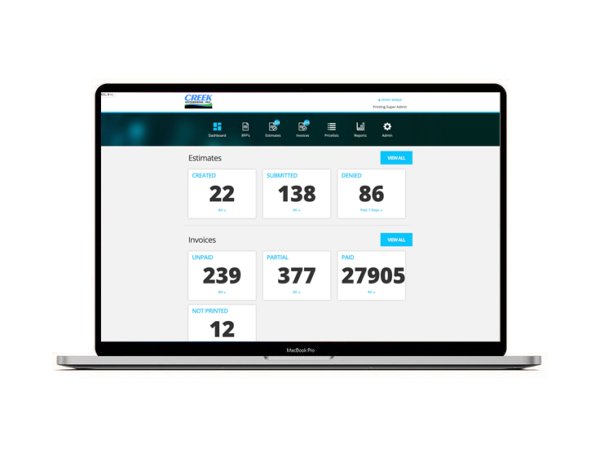
The Dashboard offers a view of last week's, last month's, previous year's and totals - of the number of invoices, the number of estimates, grouped by type and status.
Requests for Proposals: RFP's
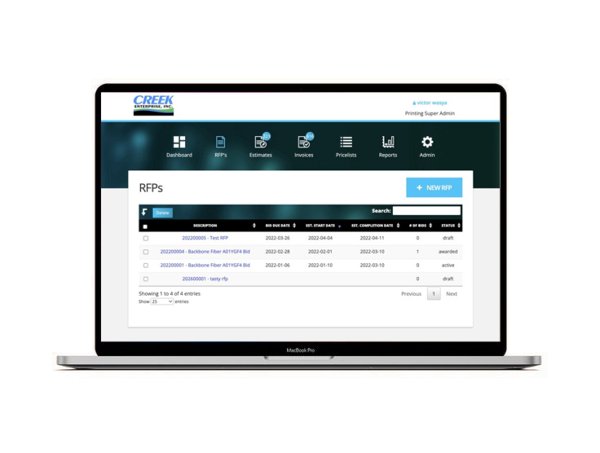
This part of the platform enables subcontractors to submit bids on well-defined requests for proposals. A managing employee then evaluates proposals and awards a contract appropriately.
General Features
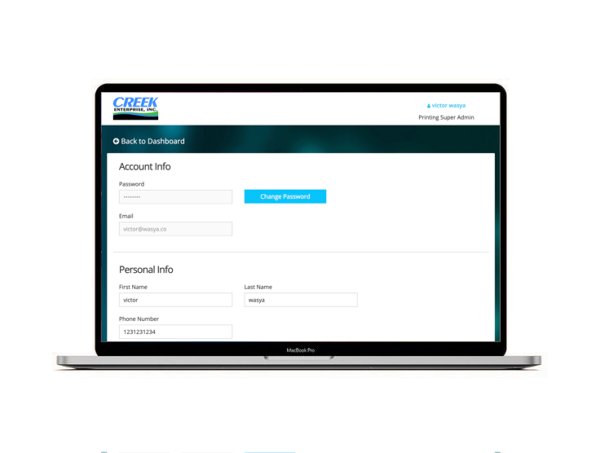
The platform offers some common functionality across all data types, all views and all user roles.
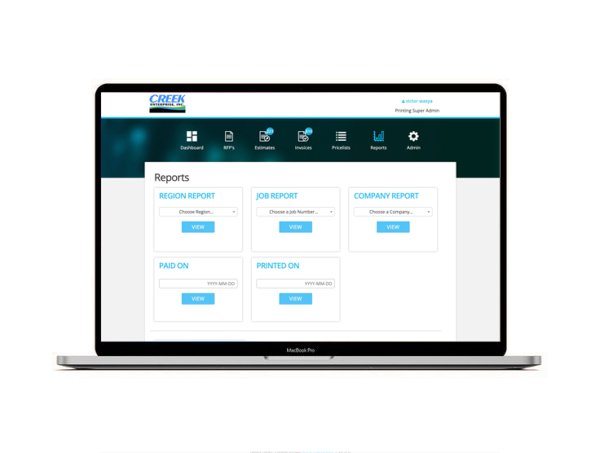
Reports: a clear view of the data
Admins can see multiple types of reports: by job-number, by estimate status, by-region, by company, by paid status, by printed status.
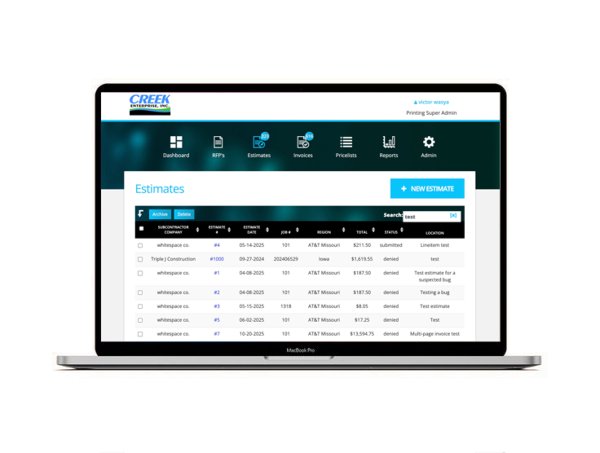
Estimates: the heart of the platform
To create an invoice, a subcontractor would first create an estimate. Estimates allow contractors to communicate to regional admins and approvers, what line items (and therefore costs) are associated with each project.
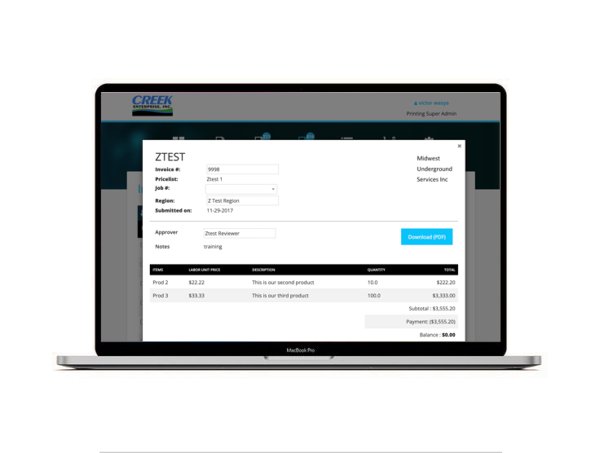
Invoices
Once an estimate is submitted, it becomes an invoices. Invoices can be paid, and statements of progress, notes, and receipts can be attached.
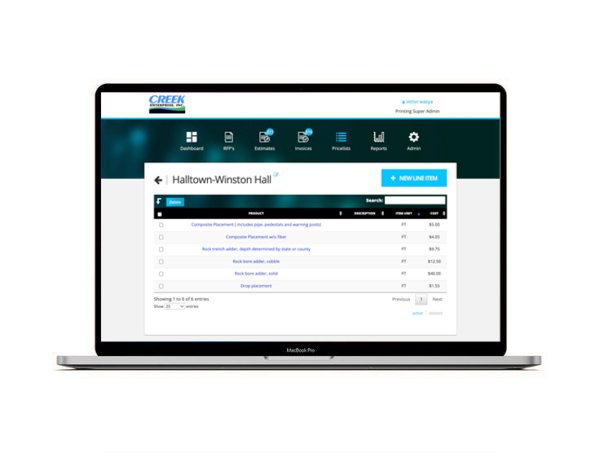
Pricelists
With pricelists, admins determine which line items are available per-contractor, to put on their estimates.
Admin
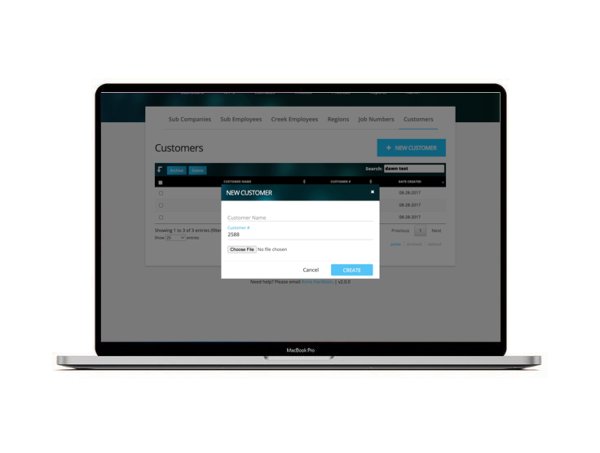
Admins are able to edit Customers, Job Numbers, Subcontractors, Employees, Price lists, and Regions.